
Welcome to AFNET
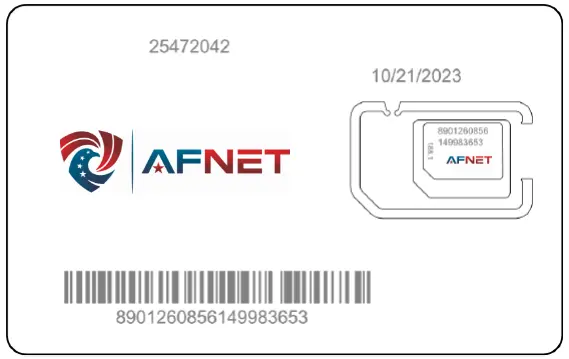
Activating your AFNET SIM
Before you begin, please ensure you have access to your AFNET Customer Portal. If you do not have login credentials, please contact our Support Team for assistance.
Log in to your Customer Portal to activate your SIM. You should already have access to the portal — if not please contact our support team for assistance.
1. Select your SIM by clicking on the icon then press "Activate".
2. Insert your SIM in your device and restart it. If you have an eSIM, you should have received an email with eSIM QR code to scan from your phone/tablet's camera to add it.
Market Place Orders
If you have purchased your device or service from Amazon or Walmart, please proceed to filling out your subscription enrollment form first.